
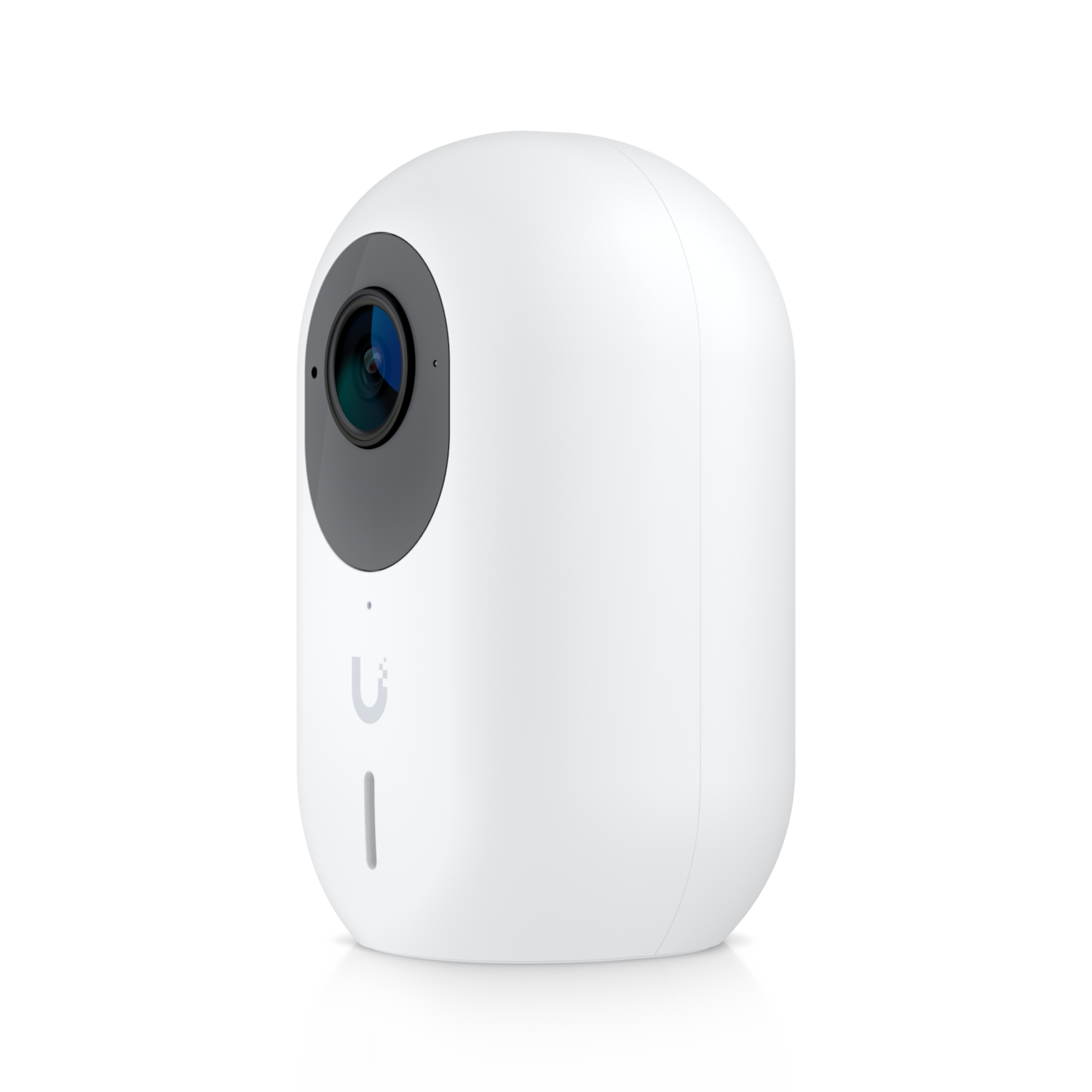
Fixing a UniFi G3 Instant Stuck on "Updating Firmware"
One of my G3 Instant cameras got wedged on "updating firmware" and refused to come back. Rebooting was no help, nor was restarting Protect. Here's how I dug it out.
Going in through the back door
First step: SSH into the Protect gateway and tail the actual logs. The web UI hides the interesting bits.
ssh root@<gateway>
less /srv/unifi-protect/logs/error.log
The smoking gun was right there:
500 GET /internal/update Could not find expected update file
for product:uvc, platform:sav532q, type:firmware, version:v4.51.4
Error: Could not find expected update file ...
    at t.onLookupFile (/usr/share/unifi-protect/app/service.js:1:1720483)
So Protect knew exactly what firmware it wanted: v4.51.4 for the sav532q platform, but couldn't fetch it.
Grabbing the firmware manually
Once you know the exact version and platform, uvcfwlinks is your friend — it indexes Ubiquiti's firmware downloads so you don't have to guess URLs. I pulled the matching v4.51.4 build for sav532q and uploaded it to the camera directly through Protect's manual firmware upload option.
The camera picked it up, flashed cleanly, and came back online.
Takeaways
- The Protect UI doesn't tell you which firmware version is failing - the error log does.
- The
platform:andversion:fields in the error are exactly what you need to find the right file. - Manual firmware upload is a perfectly reasonable escape hatch when the auto-updater chokes.
Total time: about ten minutes once I stopped clicking "Retry" in the UI and actually looked at the logs.

Comments